Windows 8 Study Smarter Session
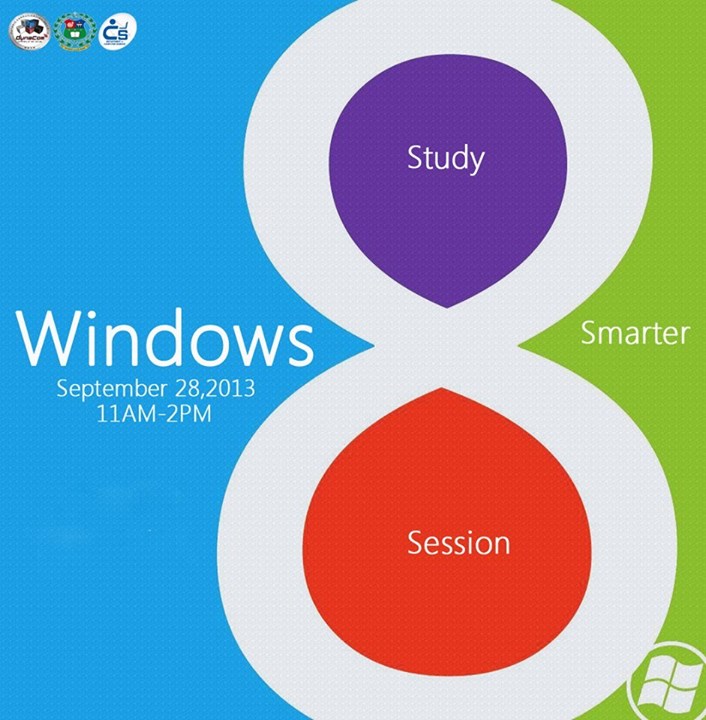
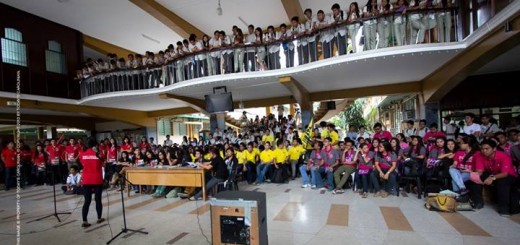
The Windows 8 Study Smarter Session aims to give students a run through of the basic features and helpful tips and tricks for convenient Windows experience. During the session, Jhiel Ortega, a DYNACOM member and the speaker of the session, discussed and demonstrated the different features and the necessary gestures and tricks of the Windows 8 to the students. She showed how efficient the new user interface of the operating system is since it provides easy access to programs and applications.
The session also taught students how to switch apps by simply swiping in from left or by just pointing the mouse to the upper left corner and clicking. It also showed how multi-tasking is done in the new Windows by swiping or snapping the apps side-by-side. The Picture Password features the innovation of security. It lets you choose any picture you want for your lock screen. Then, instead of typing a password, you can unlock your PC by drawing shapes on that picture with your finger or mouse.
Aside from the tutorial and lecture about the Windows 8, the students were also given additional information of the newest version of Windows, the Windows 8.1. Unlike the previous operating system, Windows 8.1 is hassle-free since it is downloadable. It will be released on October 18, 2013.
Lastly, the organizers (Kerwin Ramos, Arvin Bancog, Geric Flor, Crystal Cartalla, Christine Marie Cornelio and Ralph Unabia) prepared freebies as to whoever answers questions correctly and snacks (Krispy Kreme) that definitely made the students even more active.
Photo by Dynamic Communication Society (DYNACOM)
Facebook page: https://www.facebook.com/USC.DYNACOM